
Overview
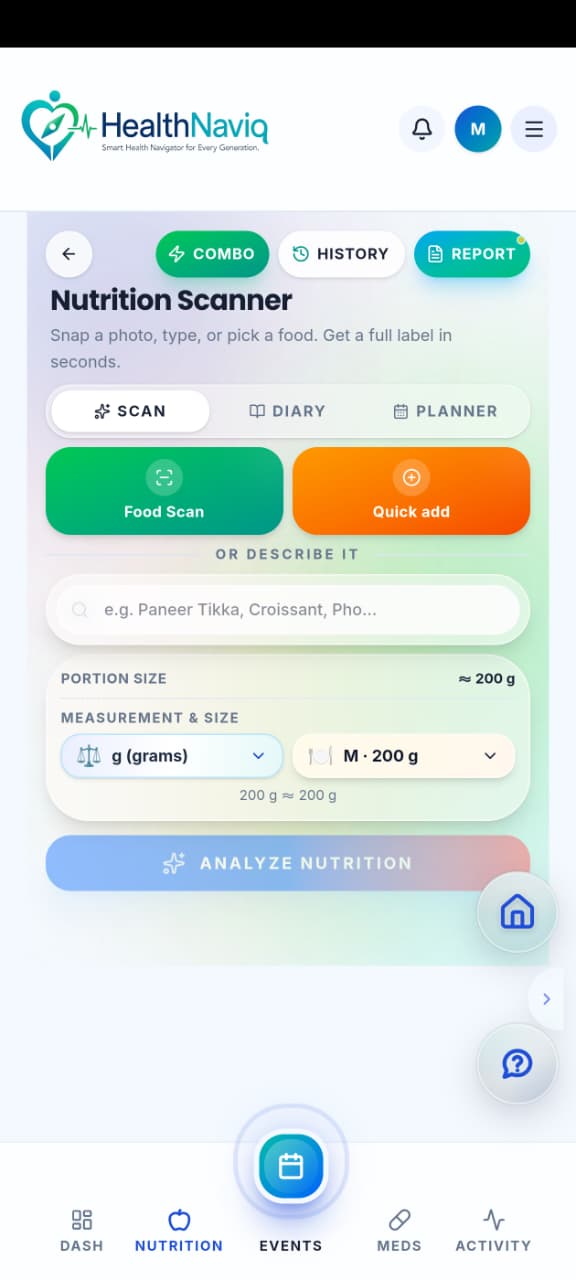
Nutrition is HealthNaviq’s food hub: log meals, review history, plan weekly meals, open recipes, and generate grocery lists.
You can also explore Find a Dietitian when you want professional nutrition support.
Why use it
Food tracking works best when it is simple enough to keep doing — start with one mindful day of logging.
Where to find it
How to
- 1Open Nutrition
Go to Nutrition from navigation or Quick Dial.
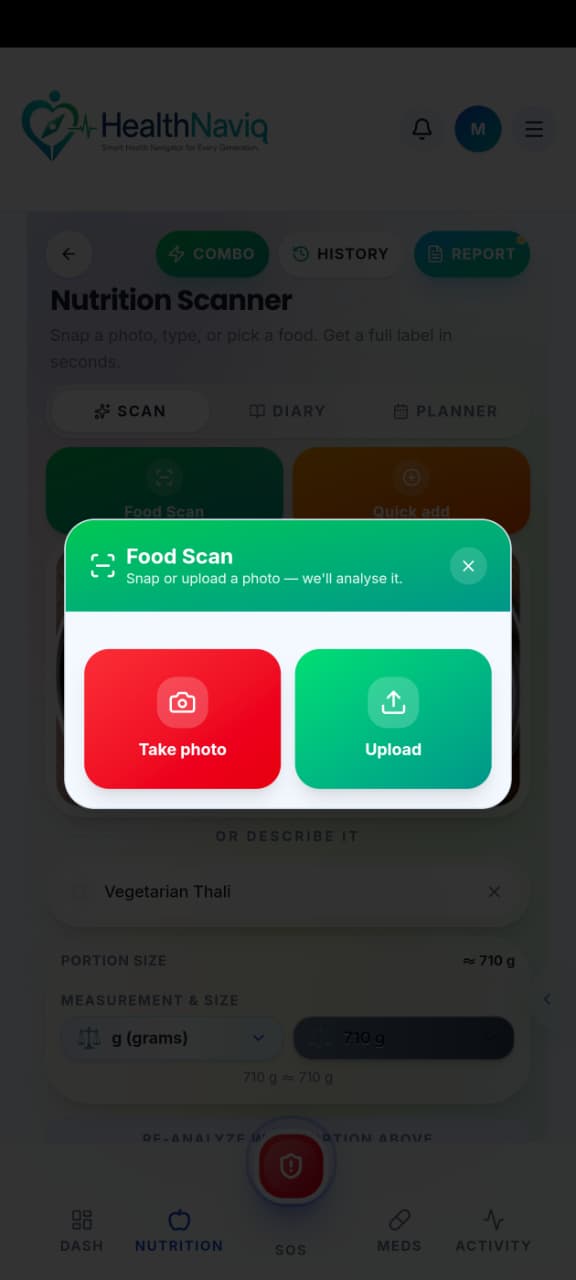
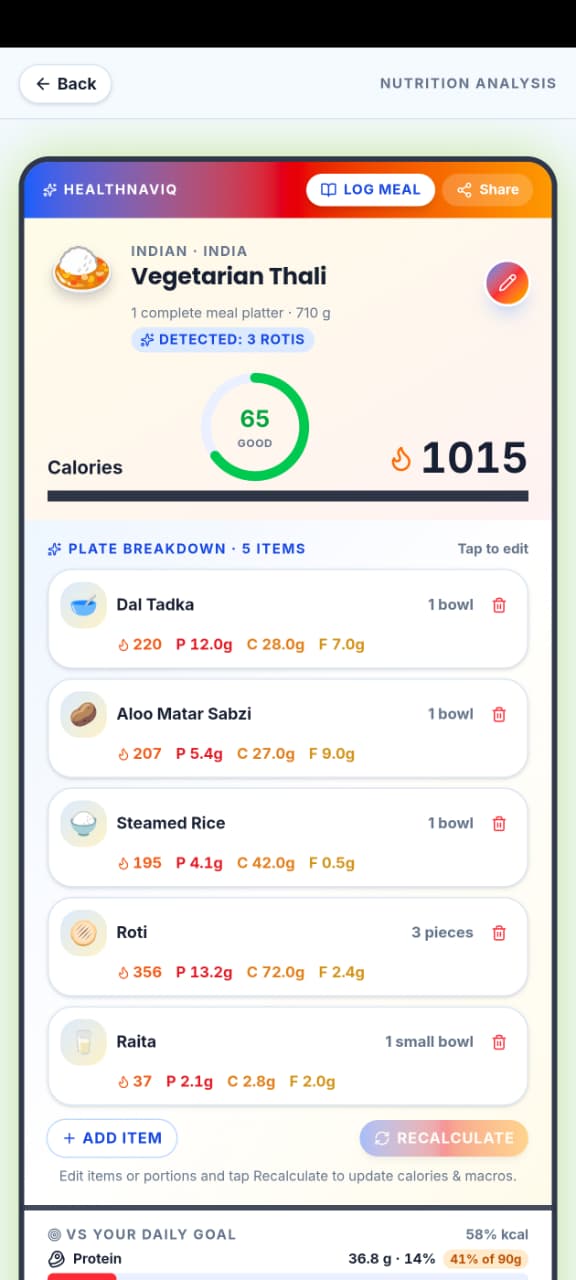
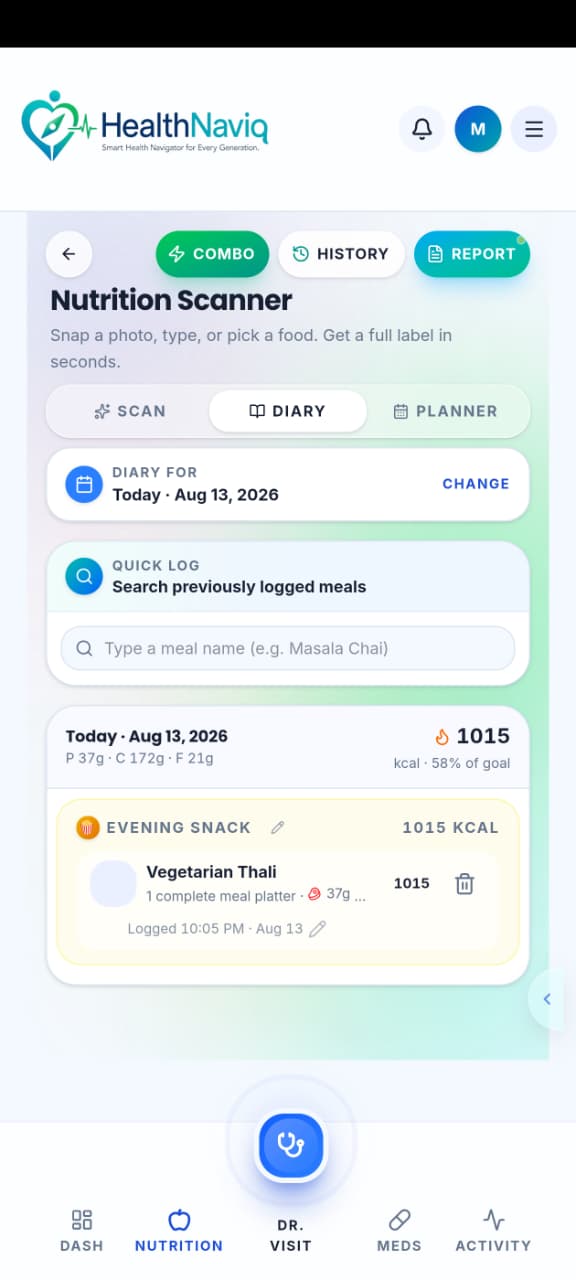
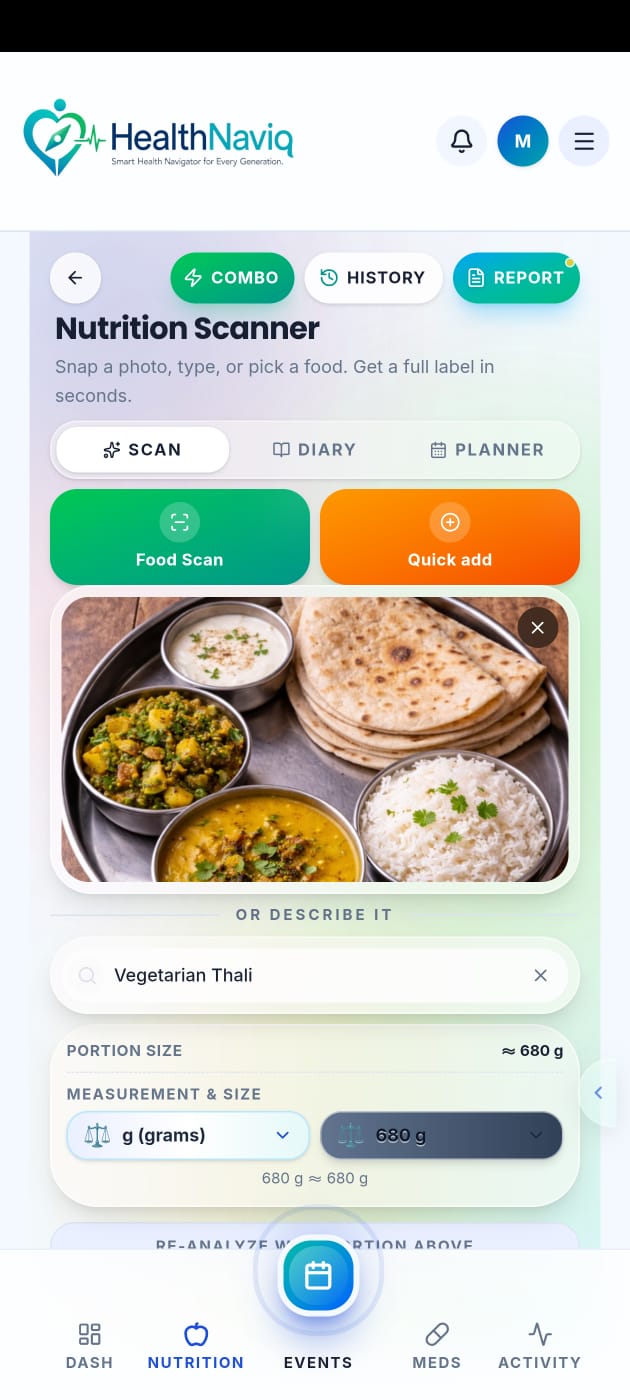
- 2Log a meal
Add what you ate for a meal slot.
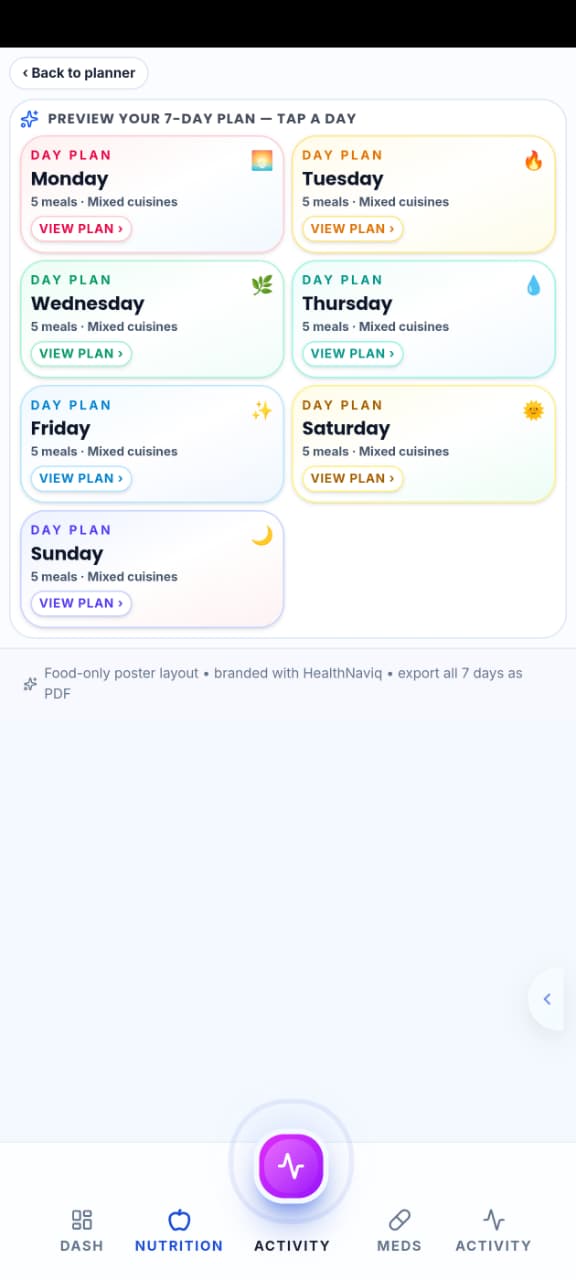
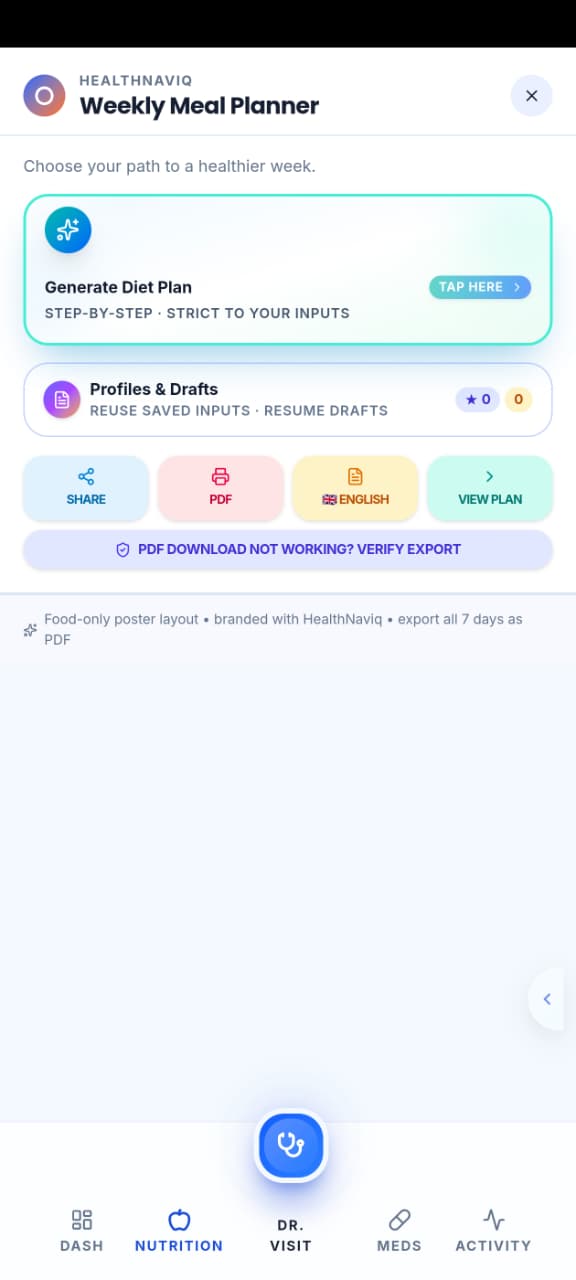
- 3Explore planning tools
Open the meal planner, grocery list, or recipes as needed.
- 4Review history
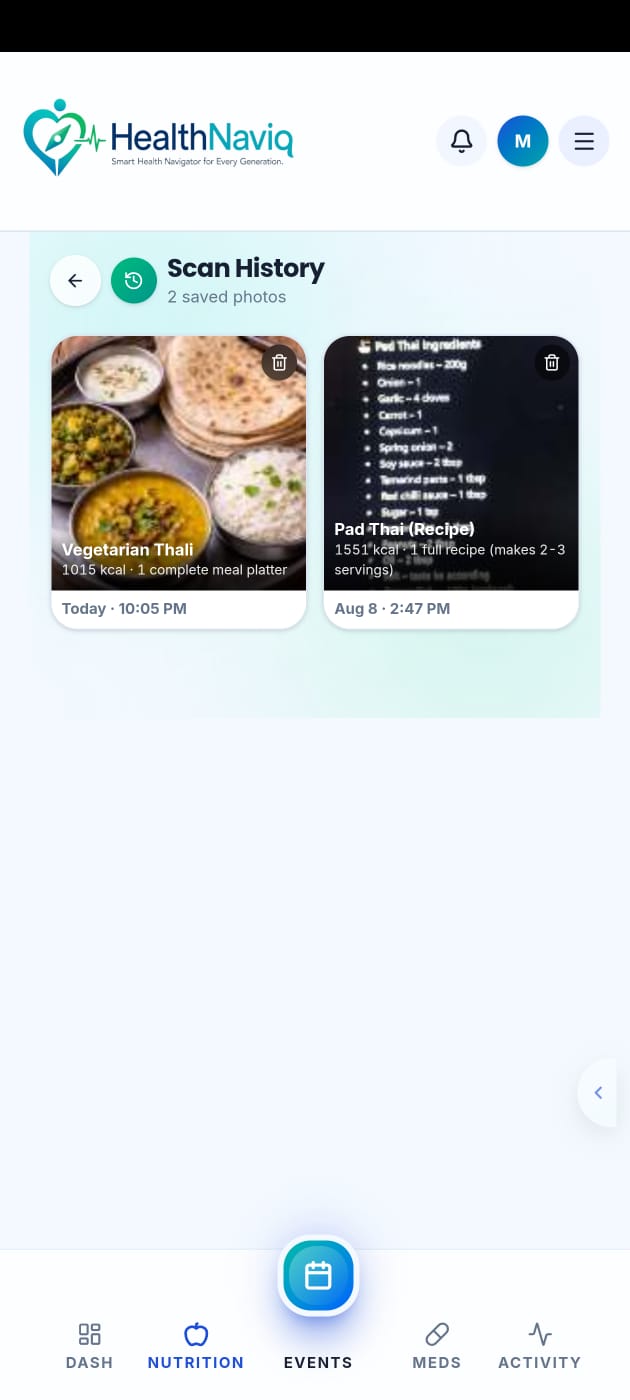
Use nutrition history to see prior days.
Buttons & controls
| Control | What it does |
|---|---|
| Log meal | Adds food to today. |
| Planner | Opens weekly meal planning. |
| Grocery | Builds shopping lists. |
| History | Shows past nutrition logs. |
Tips
Notes
Troubleshooting
Module feels overwhelming
Ignore planner tools at first and only log meals for three days.
Related
See related articles linked from this topic for the next steps.