
Overview
HealthNaviq is your personal health companion for everyday wellness tracking. Bring medications, appointments, nutrition, activity, family sharing, and records into one place so you spend less time hunting for information and more time staying on top of your routines.
This Help Center walks through each major area with step-by-step guides. Start with account setup, finish onboarding, then explore the Dashboard and the modules you care about most.
What you can do
- Track medications, reminders, and dose history
- Log vitals and view trends over time
- Plan meals, groceries, and nutrition goals
- Train with Activity workouts, AI Coach, and Outdoor GPS sessions
- Upload records and keep a Care Wallet of important cards
- Invite family or caregivers with controlled shared access
- Ask AI Copilot questions about your tracked data (with clear safety limits)
Suggested first path
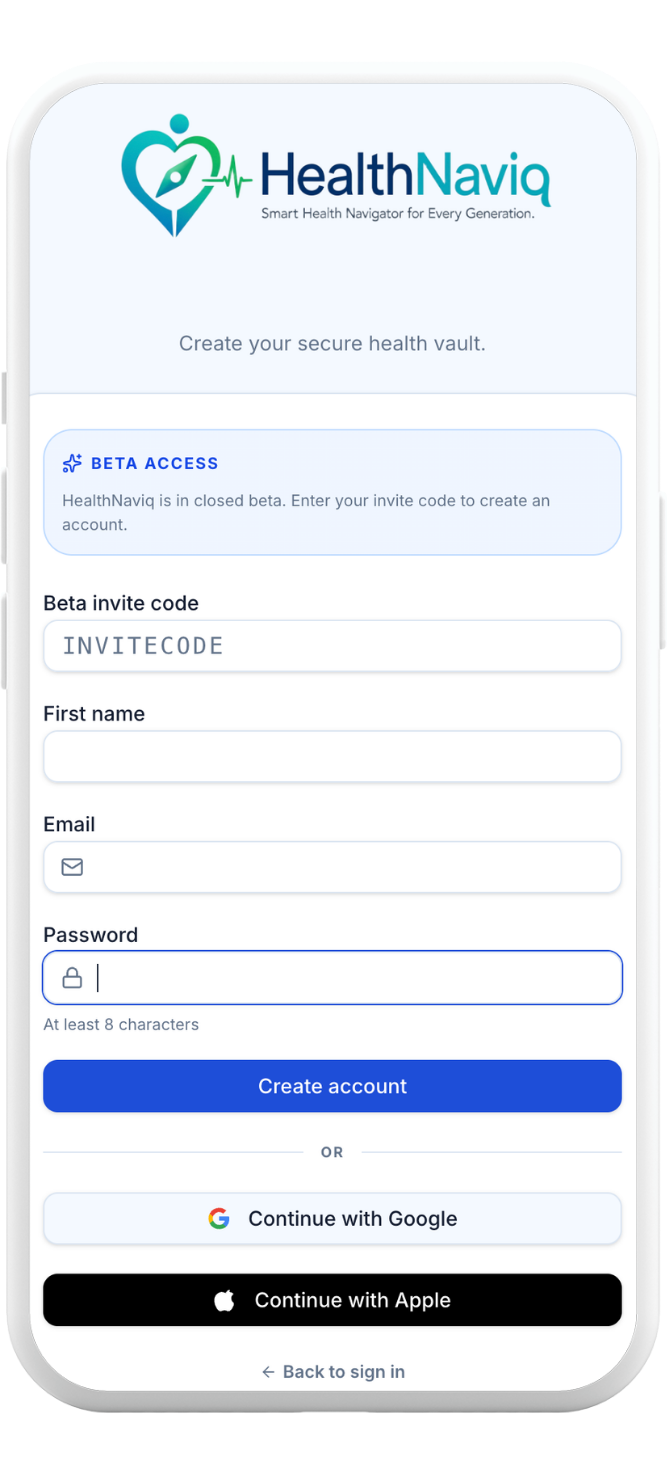
- Create your account (or redeem a beta / family invite)
- Complete onboarding and permissions
- Add your medications and set reminders
- Log a meal or start a short Activity workout
- Customize your Dashboard cards
Related
Continue with Create your account, then Onboarding.