
Overview
Medications is your living list of prescriptions and supplements you choose to track in HealthNaviq.
From one screen you can add medicines, log doses, review history, and connect reminders so fewer doses are missed.
Why use it
A reliable med list helps daily adherence and makes clinician visits faster.
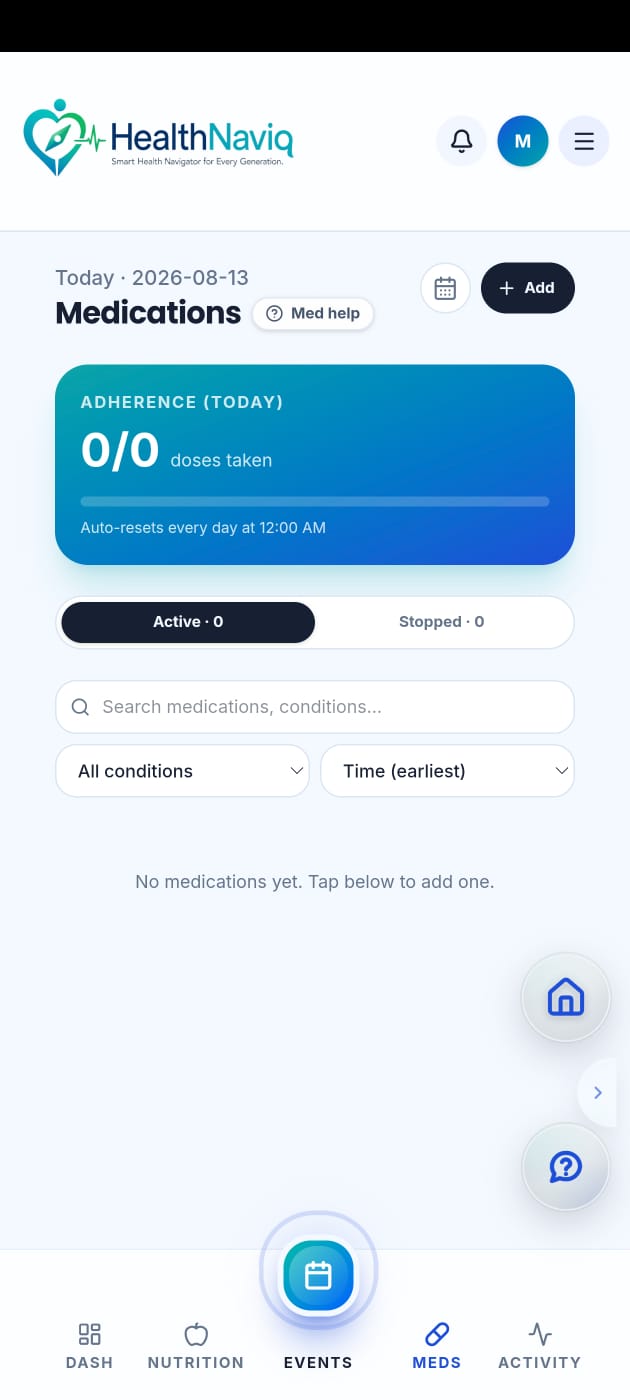
Where to find it
How to
- 1Open Medications
Use navigation, Quick Dial (Meds), or Dashboard.
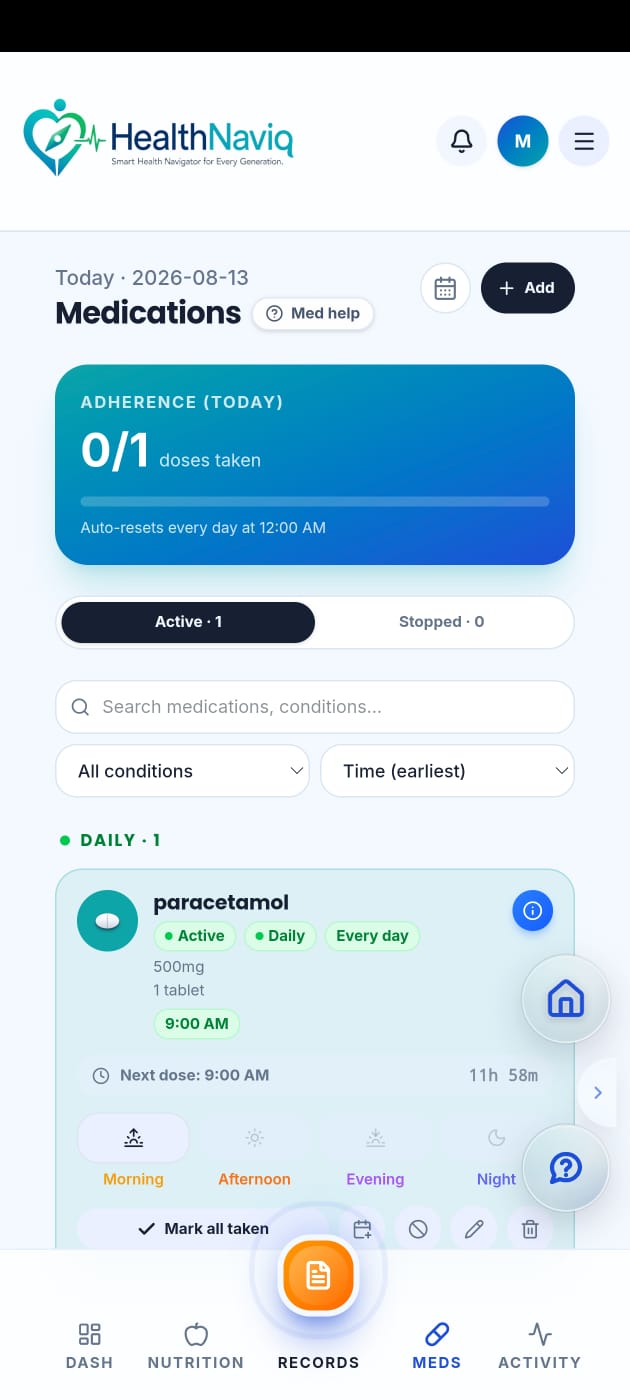
- 2Review your list
Confirm names, schedules, and active medicines.
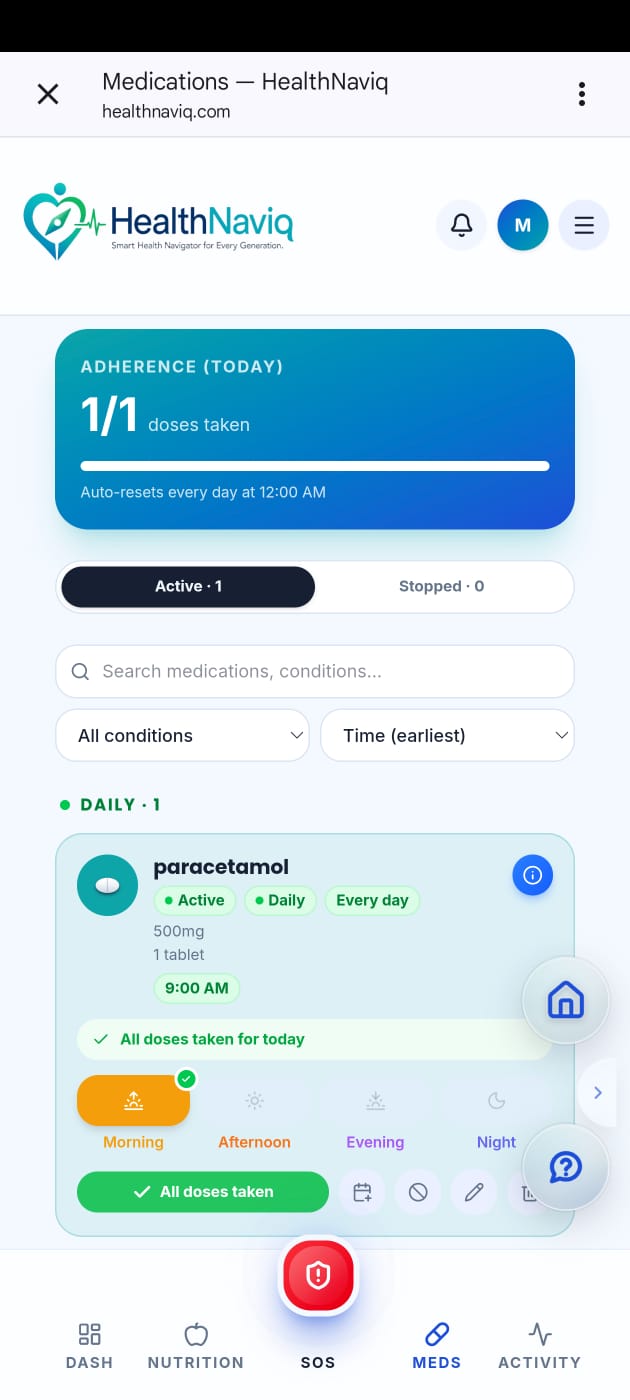
- 3Log or edit
Record a dose or update details when something changes.
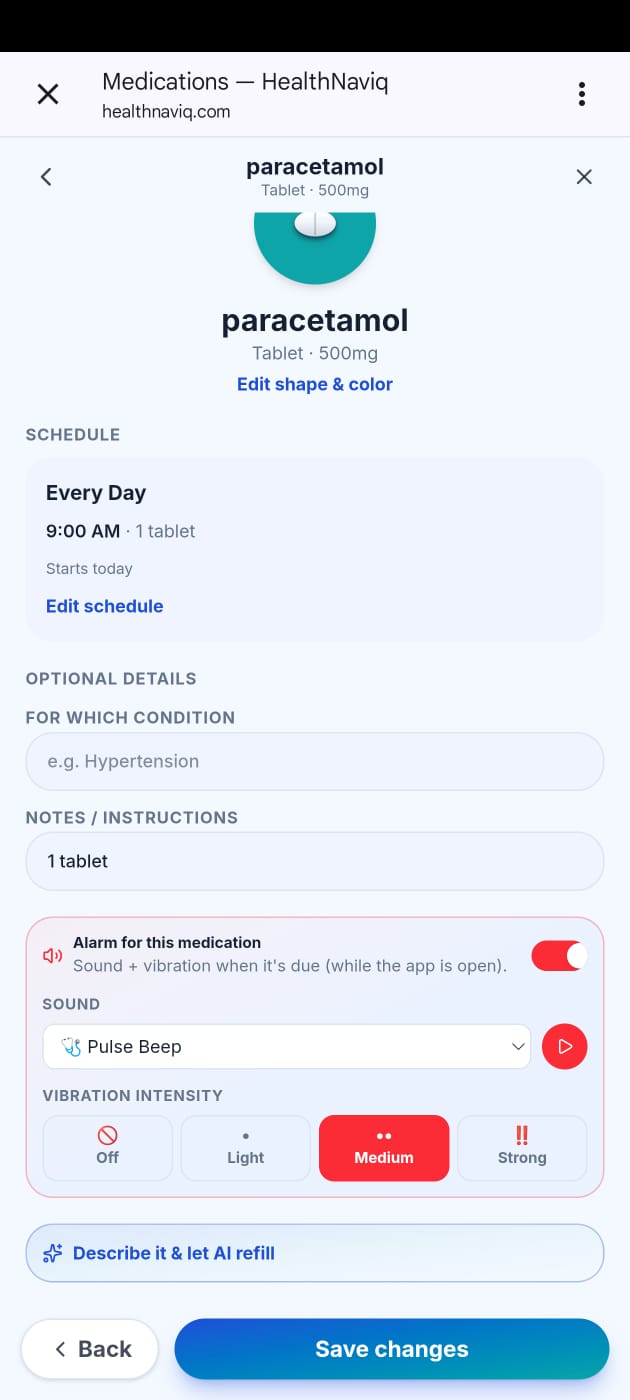
- 4Enable reminders
Turn on alerts for time-sensitive medicines.
Buttons & controls
| Control | What it does |
|---|---|
| Add medication | Creates a new tracked medicine. |
| Log dose | Records that you took a dose. |
| Reminders | Opens reminder configuration. |
Tips
Notes
Troubleshooting
List looks wrong after profile switch
Confirm you are on the correct family/minor profile before editing.
Related
See related articles linked from this topic for the next steps.