
Overview
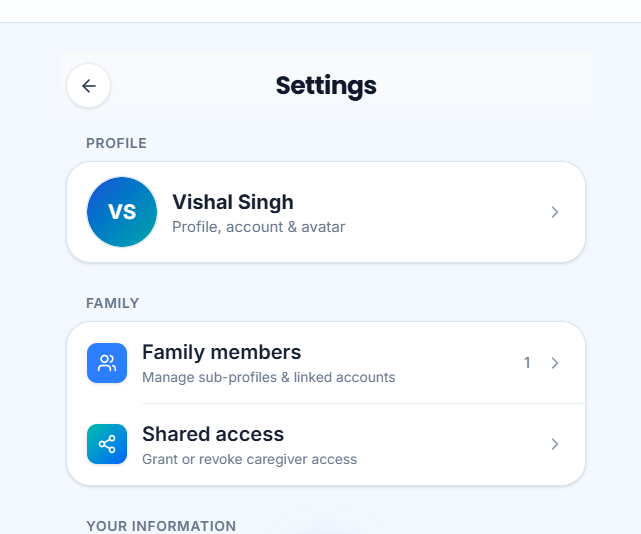
Family helps you organize household health collaboration: inviting people, managing shared access, and switching into profiles you are allowed to support.
It is built around consent and permissions rather than password sharing.
Why use it
Clear family tooling keeps caregivers helpful without compromising account security.
Where to find it
How to
- 1Open Family
Go to Family from navigation or Quick Dial.
- 2Review members
See who is connected and what relationships exist.
- 3Invite or manage access
Send invites or adjust shared permissions.
- 4Switch profiles carefully
Before logging data, confirm which person’s profile is active.
Buttons & controls
| Control | What it does |
|---|---|
| Invite | Starts a family/caregiver invite. |
| Shared access | Reviews permissions. |
| Switch profile | Changes active profile context. |
Tips
Notes
Troubleshooting
I do not see Family data
Confirm invites were accepted and that you are signed into the account that received access.
Related
See related articles linked from this topic for the next steps.