
Overview
Appointments (Events) keeps upcoming care visits and related events visible on Dashboard and in a dedicated list.
Use it for clinician visits, labs, therapy sessions, or other health-related commitments you want HealthNaviq to surface.
Why use it
Fewer missed visits and better prep starts with a calendar you actually open.
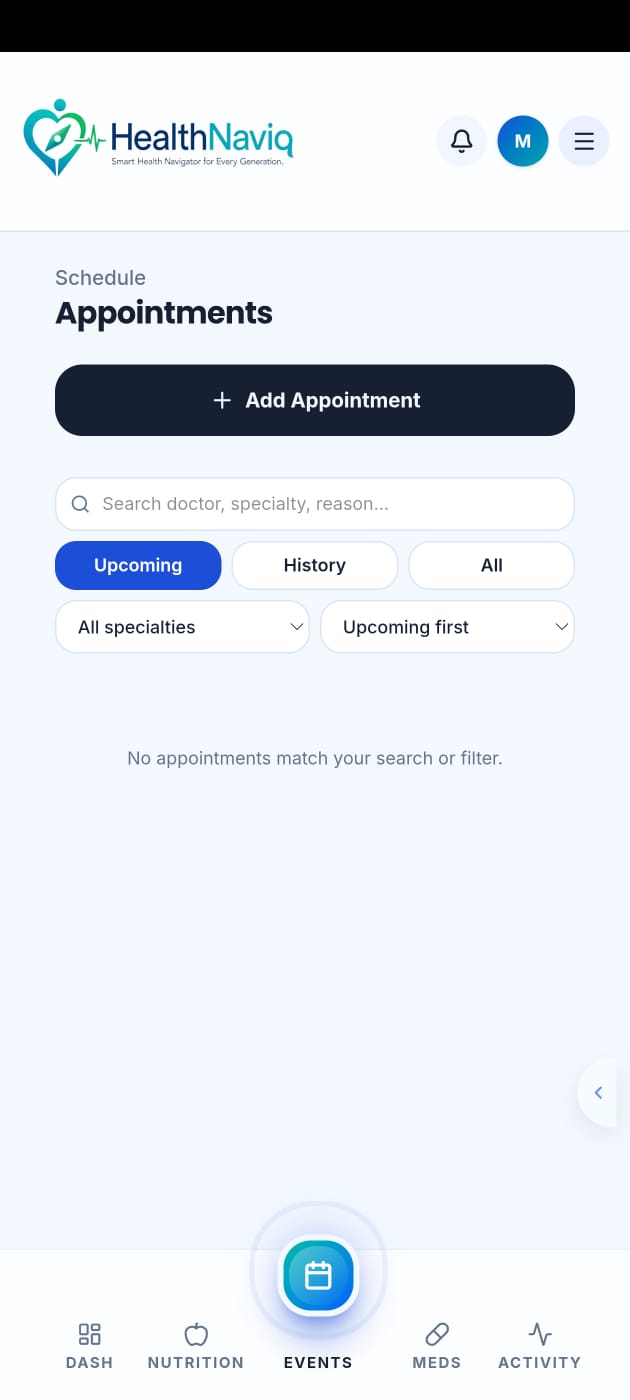
Where to find it
How to
- 1Open Appointments
Use navigation or Quick Dial (Events).
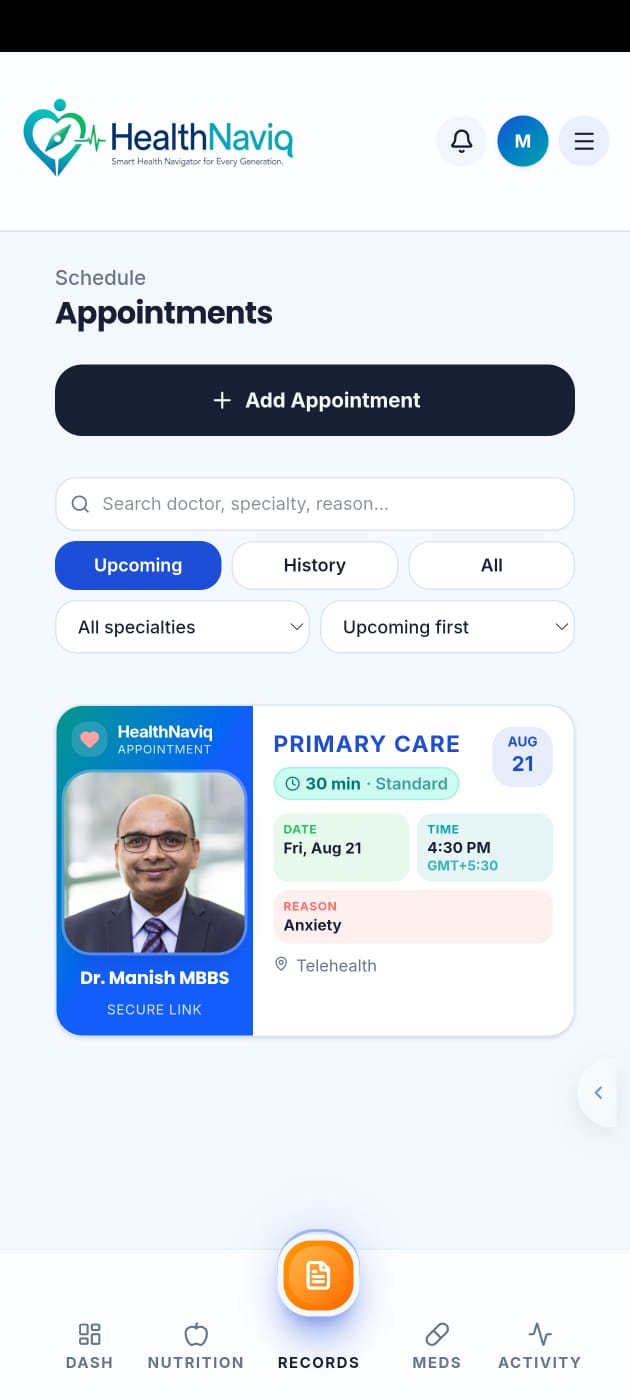
- 2Review upcoming items
Check dates, times, and details.
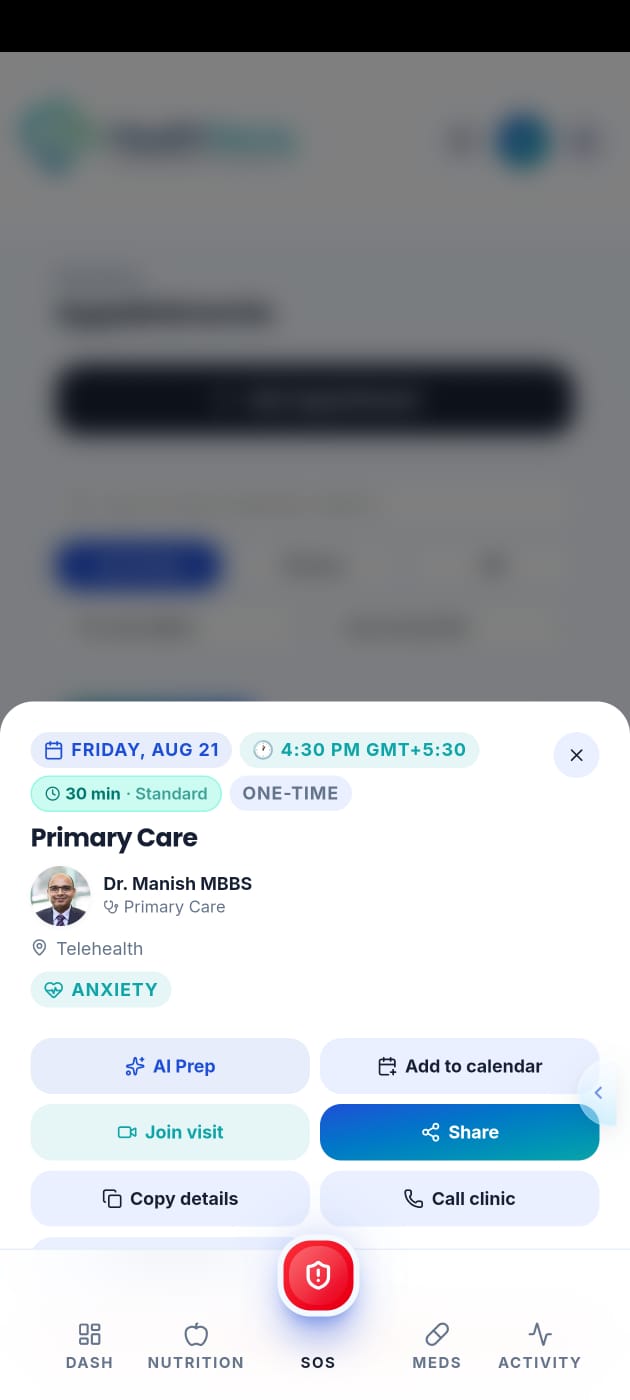
- 3Open an appointment
View or edit details, or start visit prep.
Buttons & controls
| Control | What it does |
|---|---|
| Add | Creates a new appointment/event. |
| Edit | Updates an existing event. |
| Selected appointment | Opens detail when launched from Dashboard. |
Tips
Notes
Troubleshooting
Missing an appointment created earlier
Confirm profile switcher context and search the list by date.
Related
See related articles linked from this topic for the next steps.